Build Your Perfect Resume Now
Craft a standout resume effortlessly with our advanced templates—elevate your career potential today

Key Qualities of a Strong Resume
Key Qualities of a Strong Resume
Clarity & Brevity
Concise, easy-to-read format (ideally 1–2 pages).
Avoids jargon and unnecessary details.
Tailored Content
Customized for the specific role or industry.
Highlights relevant skills, experiences, and achievements.
·Strong Structure & Formatting
Clear sections: Contact Info, Summary, Experience, Skills, Education.
Consistent fonts, spacing, and bullet points for readability.
Quantifiable Achievements
Uses metrics to show impact (e.g., “Reduced processing time by 30%”).
Focuses on results rather than just responsibilities.
Professional Tone
Neutral, formal language.
Avoids slang, casual phrasing, or overly complex sentences.
Keywords & ATS-Friendly
Includes role-specific keywords to pass Applicant Tracking Systems (ATS).
Avoids graphics or tables that may confuse ATS parsing.
Highlighting Transferable Skills
Emphasizes leadership, problem-solving, and adaptability.
Shows both technical and soft skills.
Error-Free Presentation
No spelling or grammar mistakes.
Polished and professional appearance.
Career Progression
Demonstrates growth and increasing responsibility.
Shows alignment with long-term goals.

Create a ATS Friendly Resume to get shortlisted
Essential Tips for an ATS-Friendly Resume
Use a Standard Format
Stick to common sections: Contact Info, Summary, Experience, Skills, Education.
Avoid headers, footers, text boxes, or columns that ATS may misread.
Choose Simple Fonts & Layouts
Use fonts like Arial, Calibri, or Times New Roman.
Keep bullet points consistent and avoid decorative symbols.
Match Keywords from Job Description
ATS scans for exact matches of skills, certifications, and job titles.
Mirror the language in the posting (e.g., “Project Management” vs. “Managing Projects”).
Avoid Graphics, Logos, and Images
ATS cannot parse visuals, charts, or icons.
Stick to plain text and bullet points.
Use Standard Section Headings
“Work Experience” instead of “Career Journey.”
“Education” instead of “Academic Background.” This ensures ATS recognizes the section.
Quantify Achievements
ATS favors measurable results: “Reduced processing time by 30%” vs. “Improved efficiency.”
Numbers stand out both to ATS and recruiters.
Save in the Right File Format
Most ATS systems prefer .docx or PDF (text-based).
Avoid scanned PDFs or image-based resumes.
Keep Contact Info Simple
Include phone, email, LinkedIn.
Avoid embedding links in icons or graphics

Employer Friendly Resume
Common Mistakes That Get Resumes Rejected.
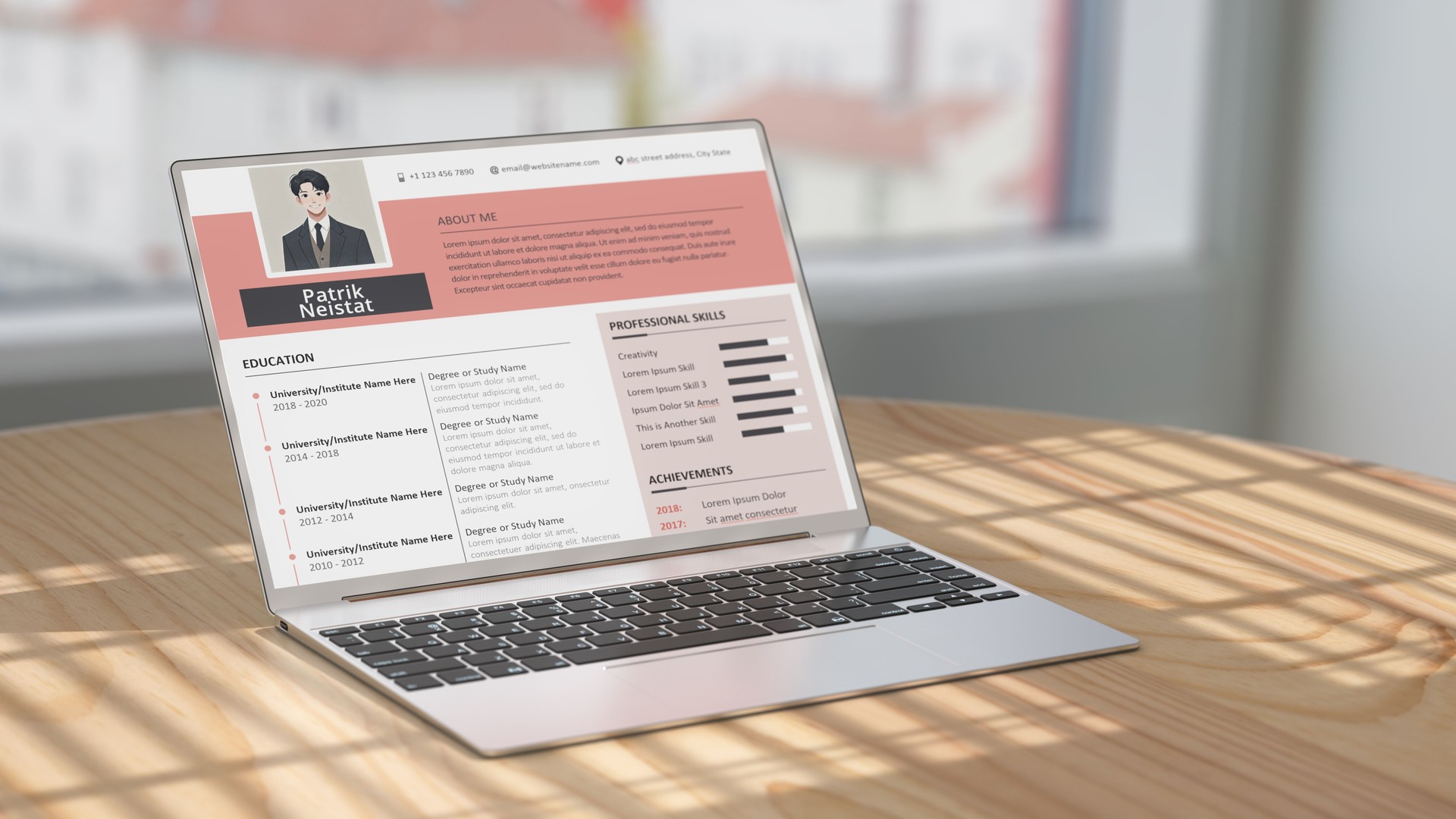
Using fancy templates with multiple columns.
Overstuffing keywords unnaturally (keyword stuffing can be flagged).
Forgetting to tailor the resume for each role.
Submitting resumes with spelling errors—ATS may not recognize misspelled keywords
Typical Resume Shortlisting Process by HRs
Typical Resume Shortlisting Process by HRs
Initial Screening via ATS
Resumes are first scanned by ATS software.
The system filters based on keywords, skills, job titles, and qualifications.
Only resumes that meet a minimum match score are passed to HR.
Manual Review by Recruiters
HR professionals skim resumes for clarity, formatting, and relevance.
They check for career progression, achievements, and alignment with the role.
On average, recruiters spend 6–10 seconds per resume in the first glance.
Shortlisting Criteria
Relevance of experience (industry, role, responsibilities).
Educational background (degrees, certifications).
Skills match (both technical and soft skills).
Quantifiable achievements (metrics like revenue growth, cost savings, efficiency gains).
Stability (reasonable tenure in past roles, not frequent job-hopping).
Ranking & Prioritization
HRs often use a shortlisting matrix or scoring system to rank candidates.
Top candidates are prioritized for interviews, while borderline resumes may be kept as backups.
Final Selection for Interviews
Typically, only 10–15% of applicants move forward to interviews.
HRs also consider cultural fit, communication style, and career goals during this stage.

Challenges HRs Face
High volume of applications: On average, 250+ resumes per job.
Time pressure: Recruiters spend ~23 hours screening resumes for a single hire.
Bias risks: Over-reliance on ATS keywords may overlook strong candidates with unconventional resumes.
Candidate drop-off: Lengthy shortlisting processes can cause candidates to lose interest

Prechecks before resume submission
Actionable Checklist Before Submitting
Does your resume use plain text formatting?
Are keywords aligned with the job description?
Have you quantified achievements with metrics?
Is the file saved in .docx or text-based PDF?
Did you proofread for errors and consistency?
Actionable Tips for Job Seekers
Use job-specific keywords to pass ATS filters.
Keep formatting simple and ATS-friendly (no tables, graphics).
Highlight quantifiable achievements in bullet points.
Show career progression and stability.
Tailor each resume to the specific role and company